Analyze the image
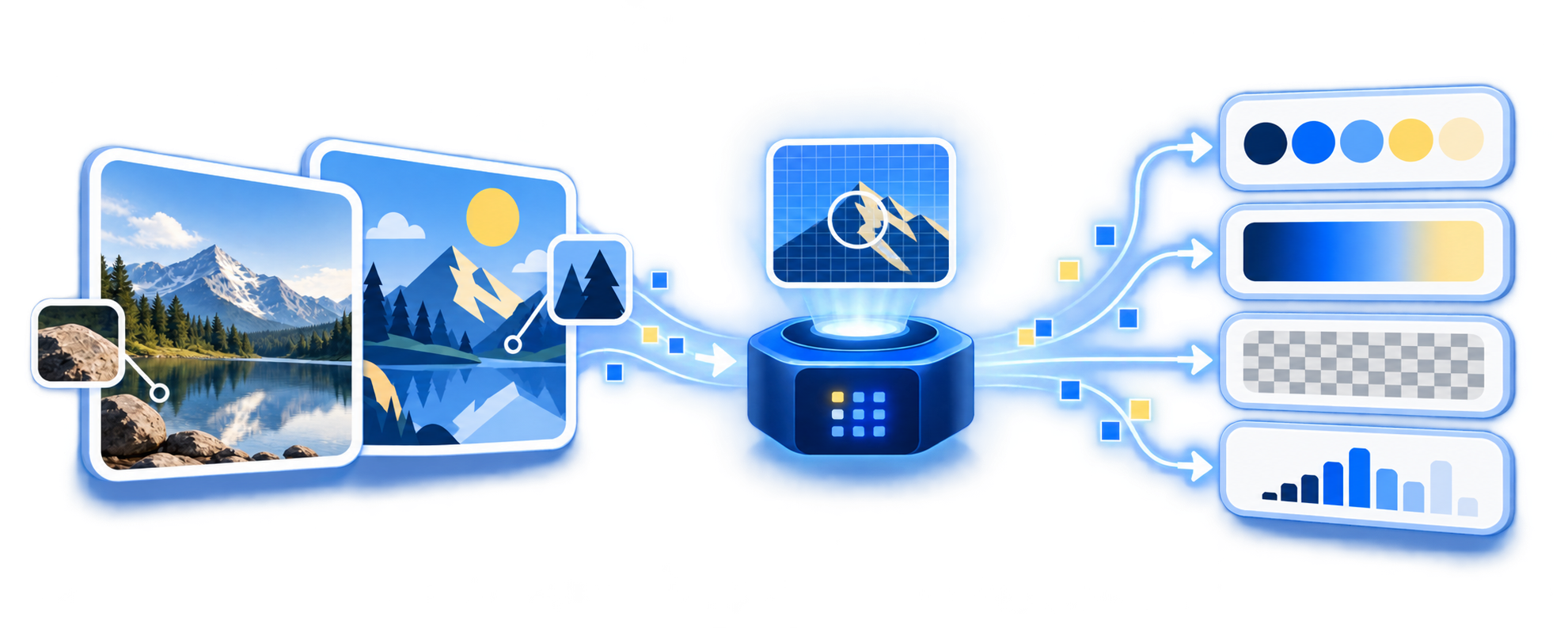
The library studies the image’s colors, gradients, transparency, brightness, and visual details. It also determines whether the image is a photograph, illustration, or drawing.
What Shrinkload decided
Free to use, with no artificial resolution limit. Practical limits depend on the memory available on your device.
How it works
Everything happens in your browser: the image is never uploaded to Shrinkload or an external compression service. The engine analyzes the content and chooses the most suitable format and encoding strategy instead of applying the same quality setting to every file.
The library studies the image’s colors, gradients, transparency, brightness, and visual details. It also determines whether the image is a photograph, illustration, or drawing.

Based on the image’s characteristics, it selects the most suitable format and compression strategy. It can choose between full-color encoding and a more efficient quantized color palette.

It encodes and compresses the image while evaluating the result with perceptual metrics, automatically balancing visual quality and file size.
Extra value inside WordPress
Bring the same local compression engine into your publishing workflow. Images are optimized on the uploader's device before WordPress receives them: no external server, no credits, and no cost per image.
Optimize new uploads without adding a manual step to the editor.
Optimize existing images individually or in sessions you can pause and resume.
Optionally keep originals and restore them without changing attachment URLs.
Review saved space, processed files, output formats, and backup storage.
Frequently asked questions
Use the tool above to assess the results on the images you actually work with.
No. Compression happens in the browser. Bitgrapes and external compression services never receive the file.
Only when you enable Resize image. You can set the maximum length of the image’s longest side; by default Shrinkload preserves the original resolution.
Keep original format uses JPEG or PNG for the widest browser support. Allow WebP can select WebP when advantageous. Allow AVIF compares WebP and AVIF, then chooses the smallest high-quality result.
The tool imposes no artificial limits. Very large files still depend on the memory and processing power available to the device and browser.
Yes. Shrinkload supports animated PNG and animated WebP while preserving their frames, timing, and loop behavior.
When Shrinkload detects an Ultra HDR gain map in a compatible JPEG, it can preserve it instead of automatically reducing the image to SDR.
Yes, when backups are enabled in the plugin. You can restore the original while keeping the same attachment and public URL.
No. You can compress and download images directly from this page without an account or credits.